How we work
Here’s what working with us looks like.
From the day you say yes, you get your own portal. It’s where you approve work, ask for changes, check on your site and pay invoices. Here’s a walk through it, one step at a time.

You always know what’s next
Every phase has a date, and your home screen says what’s waiting on you.
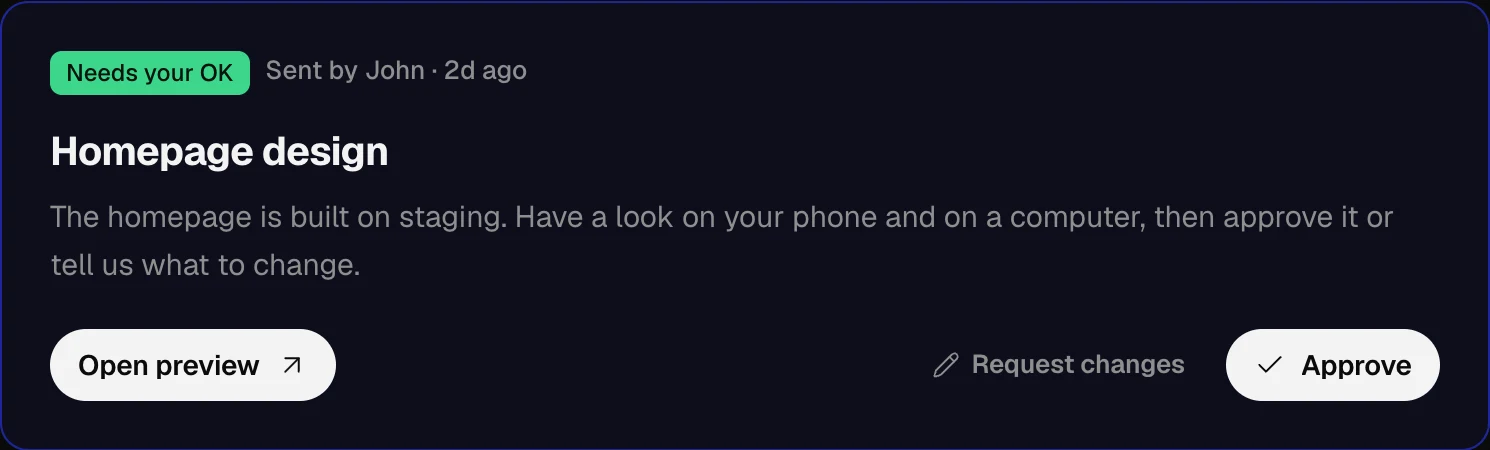
Nothing moves without your OK
Designs come to you for approval before we build on them.
Everything stays in your name
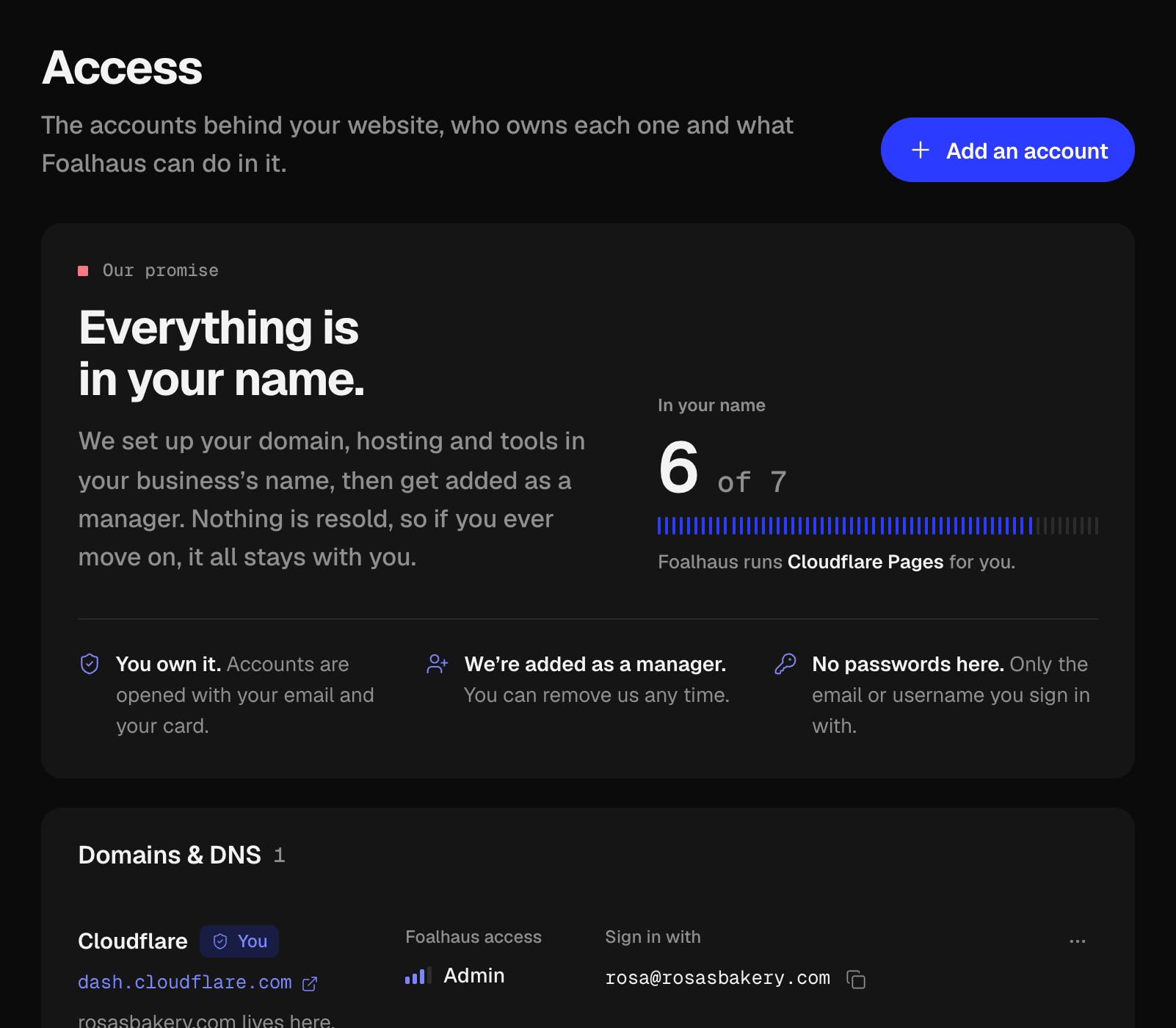
Your domain, hosting and tools are yours. We’re added as a manager.
No surprise invoices
One fixed price, and a schedule that shows what’s due and when.
From yes to years later.
Six moments in a typical website project, and what you’ll see in your portal at each one. The screens are the real thing, showing our demo client, Rosa’s Bakery.
01 · Day one
Say yes in one place.
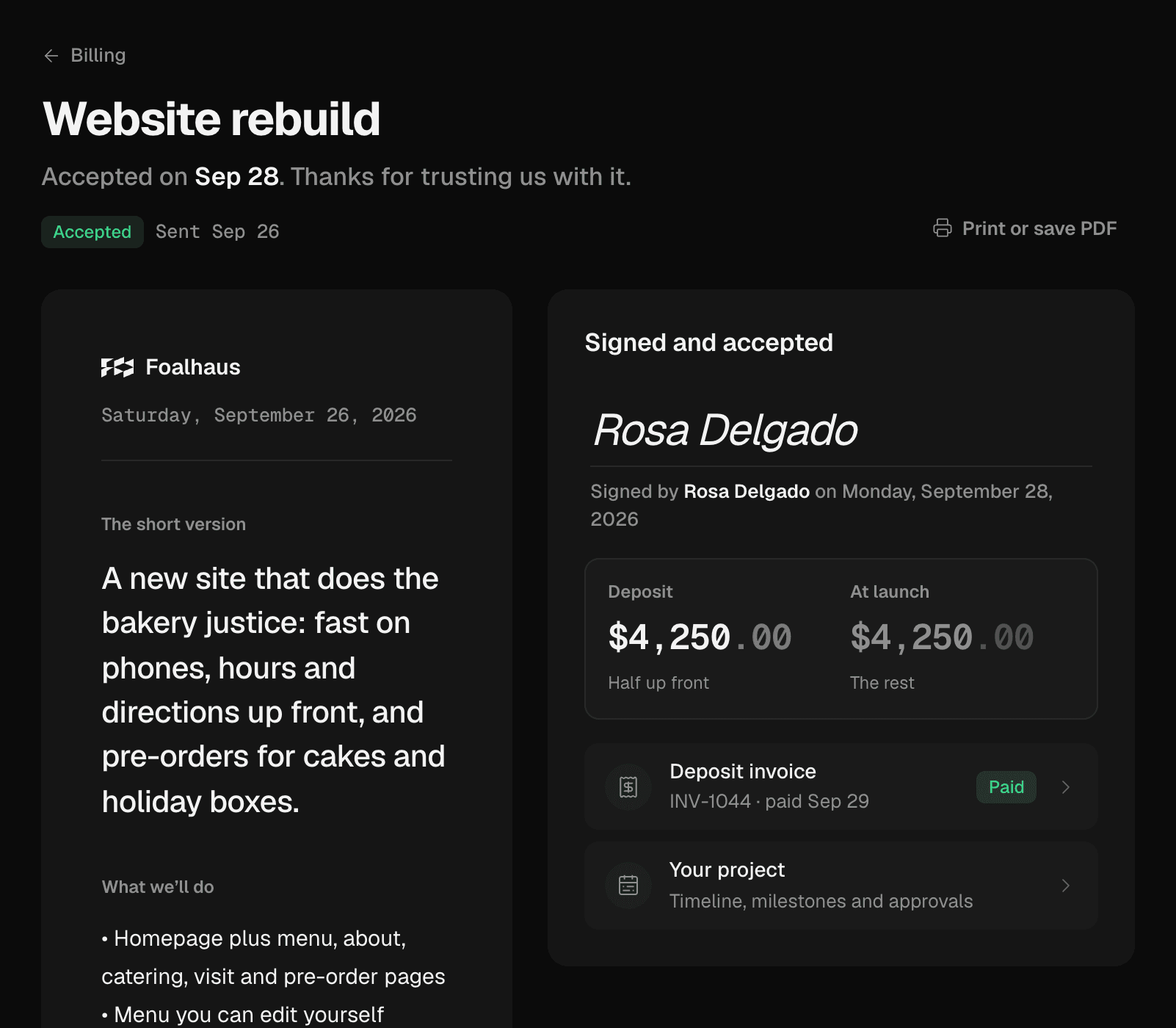
Your proposal arrives in your portal: what we’ll build, the timeline and one fixed price, line by line. Questions before you decide? Ask them right there.
- You
- Accept by typing your name, then pay half or a third up front, by card or bank transfer.
- Us
- Book your start date and set up your project’s timeline.
02 · Week one
Everything set up in your name.
Your domain, hosting and tools are opened under your business, never resold through us. The access register lists every account, who owns it and what we can reach.
- You
- Add us as a manager where we need access, and drop your logo, photos and words into Files.
- Us
- Set up the accounts, record what we can reach, and never ask for a password.
03 · During the build
Watch it come together.
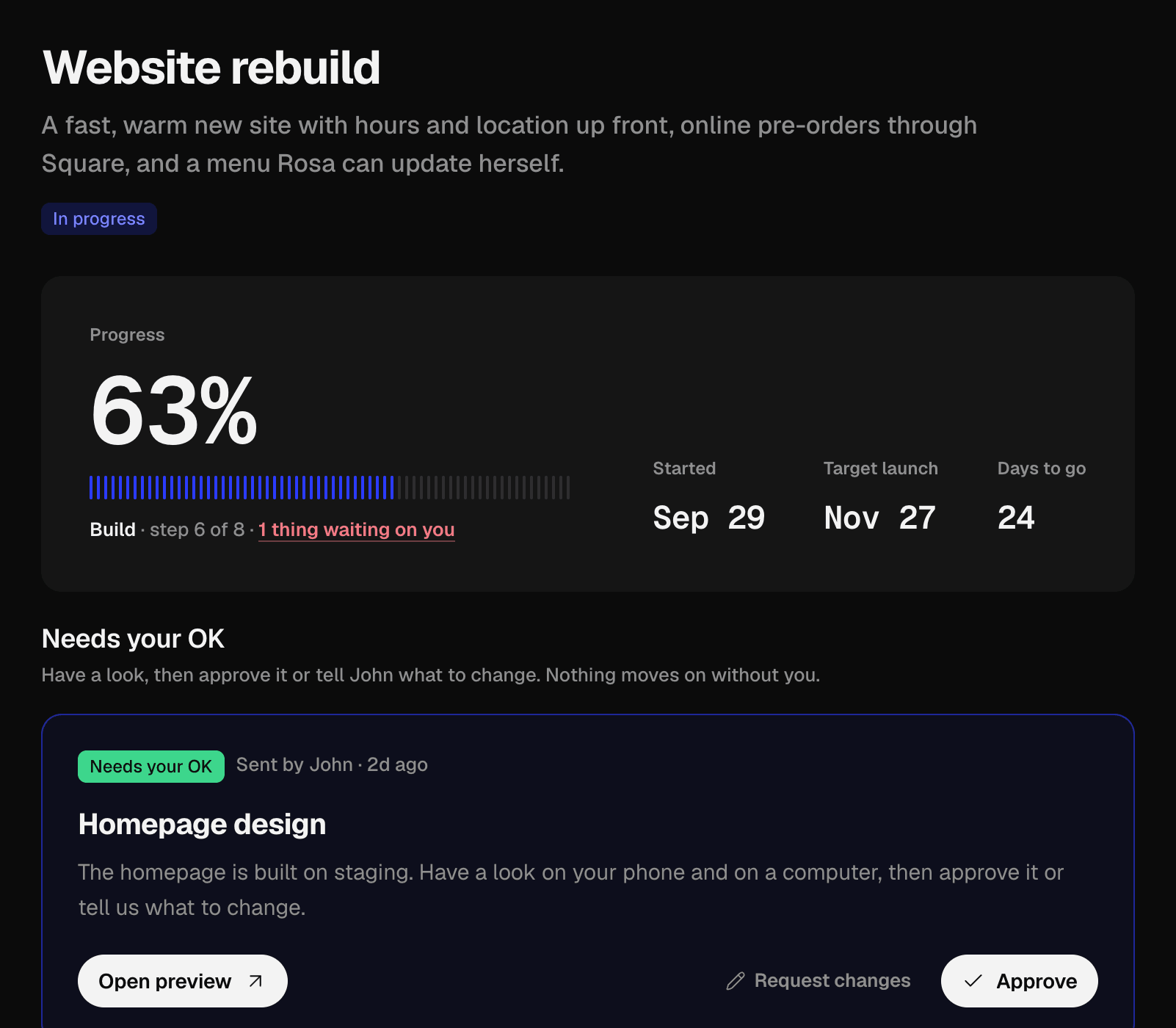
Your timeline shows every phase with its date and how far along we are. When a design is ready, it lands in your portal with a preview link you can open on your phone.
- You
- Approve it, or say what to change. Nothing moves on without your OK.
- Us
- Build on a private preview site and keep your timeline up to date.
04 · Any day
Talk to the people doing the work.
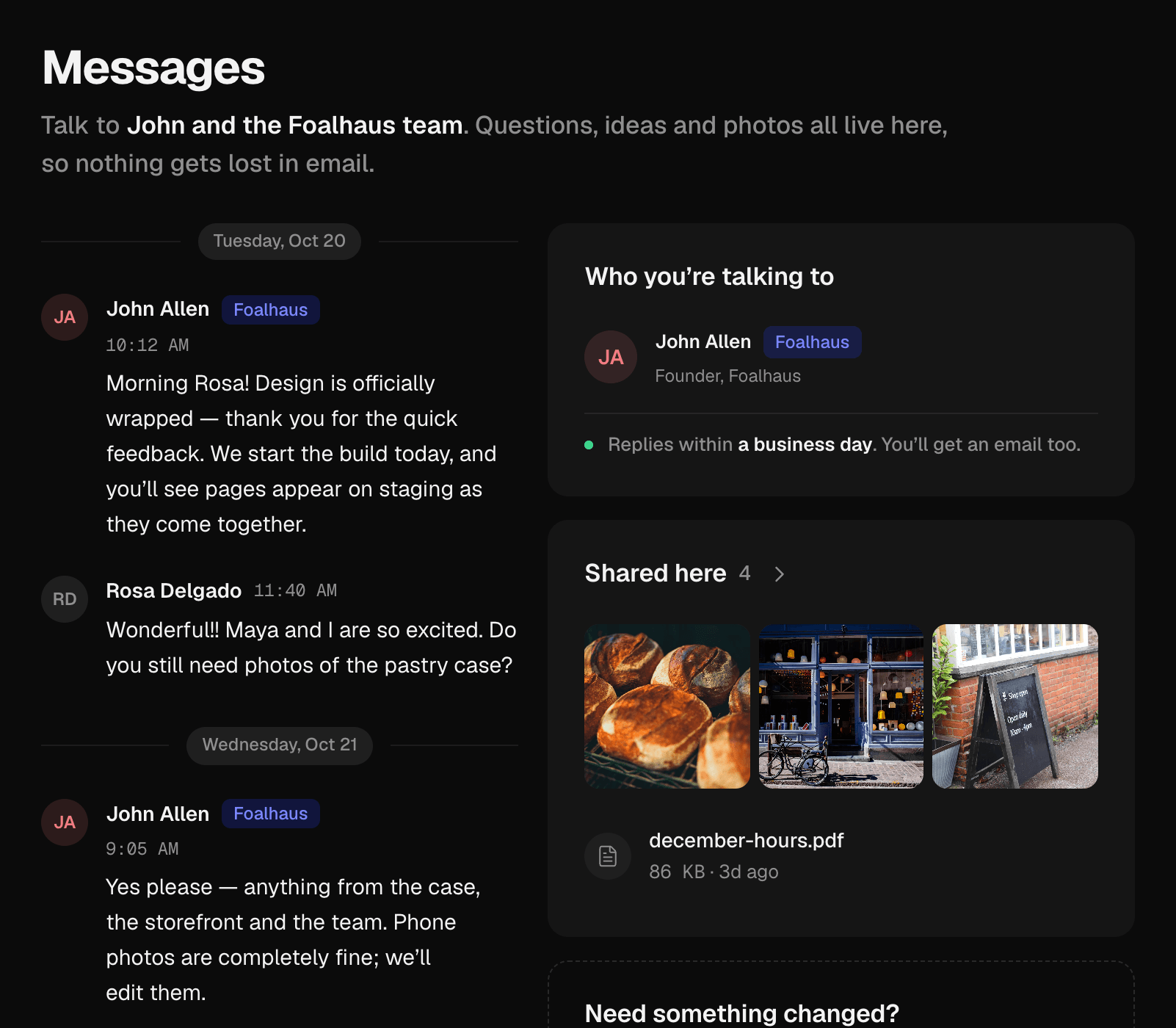
Questions, ideas and photos live in one thread with the team building your site, so nothing gets lost in email. Bigger asks go in as requests, each with a status.
- You
- Send a message or a request whenever something comes up. Email still reaches us too.
- Us
- Reply within a business day, and keep every decision on the record.
05 · Launch day
Launch, with proof.
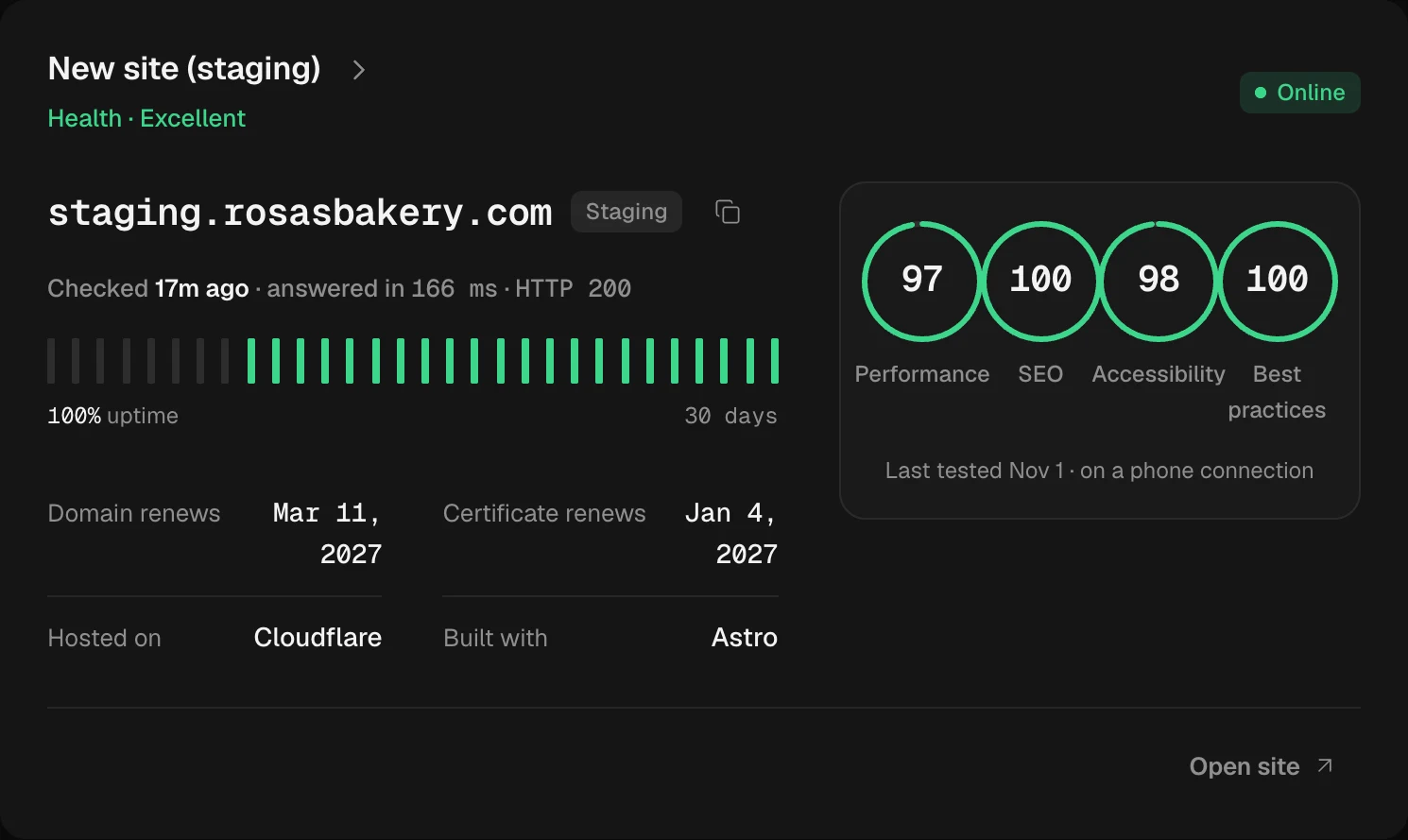
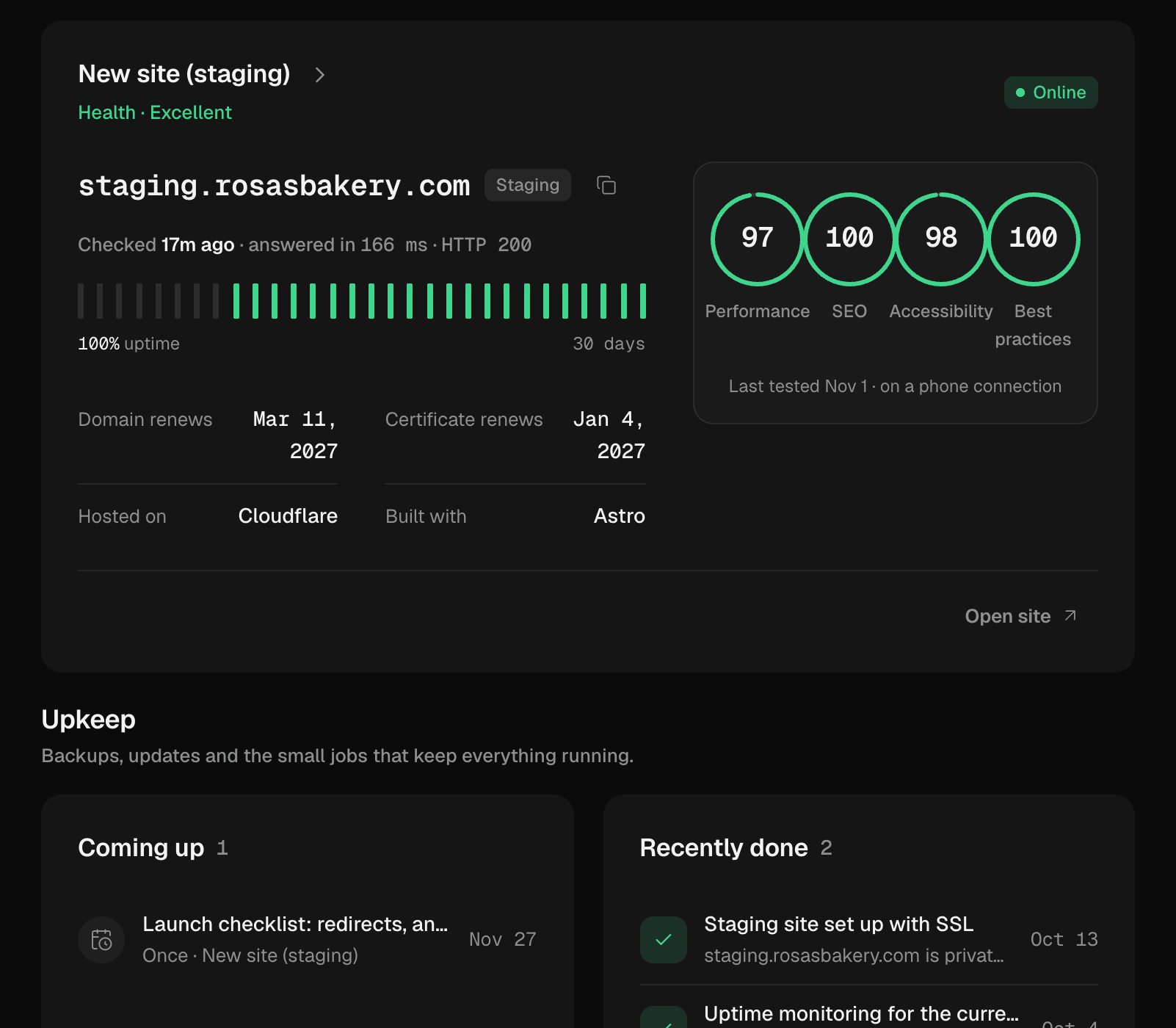
We switch your domain over and redirect your old pages so no link breaks. From then on, your portal shows uptime checked every 15 minutes and weekly speed, SEO and accessibility scores.
- You
- Pay the balance once your site is live and you’re happy with it.
- Us
- Run the launch checklist, then keep testing your site every week.
06 · Every month after
Care you can actually see.
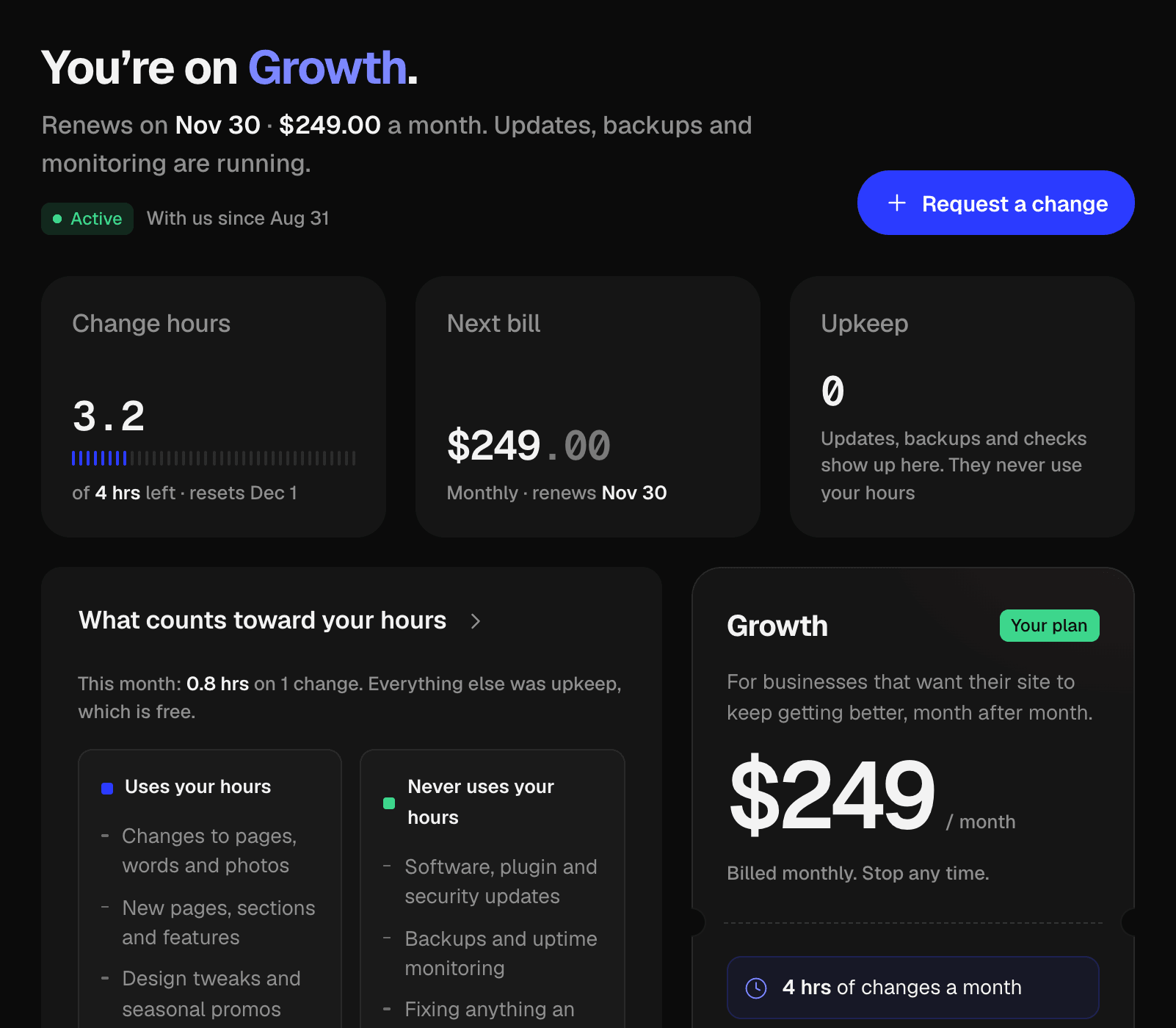
On a care plan, updates, backups and monitoring run in the background and show up in your upkeep log. Change hours are counted as we use them, so you always know what’s left.
- You
- Ask for changes whenever you like. Anything bigger than your hours gets a quote first.
- Us
- Keep your site fast, safe and current, and log every bit of upkeep.


How paying works.
A fixed price from the first proposal, split into clear steps. Your portal always shows what’s paid, what’s next and when it’s due.

- 01
Accept your proposal
Read the scope, timeline and fixed price, then accept it by typing your name.
- 02
Pay the deposit
Choose half or a third up front, and pay by card or bank transfer.
- 03
Balance at launch
The rest is due when your site goes live. You see the amount and the date from day one.
- 04
Keep it cared for
After launch, a care plan keeps your site fast, safe and current, billed monthly or yearly.
Platform subscriptions, paid apps and ad spend are billed to your own accounts, never resold.Compare care plans →
Questions about working with us
Something else? Ask us directly.
Who gets a login?
Every Foalhaus client. Whoever signs up becomes the owner of your business’s account and can invite teammates to it, so the person who handles the website and the person who pays the invoices can both see what they need.
Can I try the portal before I hire you?
Yes. The live demo opens the portal of Rosa’s Bakery, a made-up client, so you can click through everything a client sees: the timeline, requests, messages, files, billing and care plan. Nothing you do there is saved.
Are these screenshots real?
Yes. Every screen on this page is the actual portal, showing the sample data from the live demo. The business and the people in it are made up; the software is the same one our clients use.
How are payments handled?
Card payments go through Stripe’s secure checkout, so your card details never reach us. You can also pay by bank transfer using the details on the invoice and mark it as sent in the portal. Either way, the receipt lands next to the invoice.
Do you keep my passwords?
No. The access register lists each account your business runs on, whose name it’s in and what access Foalhaus has. When we need access, you add us as a user or manager from your own account, so there’s never a password to hand over.
Will it fill my inbox with notifications?
Only with the ones you choose. Pick which updates reach your email (messages, approvals, invoices, upkeep) and whether they arrive right away or as a daily or weekly digest.
Do I have to use the portal?
No, email still reaches us. The portal just means you never have to dig through a thread to find an invoice, a file or what was decided.
Already a client?
Pick up where you left off.
Your timeline, requests, messages, files and invoices are right where you left them.
New to Foalhaus?
See your redesign first.
Send us your website and we’ll show you its redesign in a short video, free. If you like it, your portal is where we take it from there.
Or try the live demo →